AWS Series Part 5 of 5 Frontend
May 5, 2026
Production Payload CMS on AWS — 5-Part Series
Part 1: Architecture | Part 2: Database | Part 3: Docker | Part 4: ALB Routing | Part 5: Lexical Frontend (this post)
Lexical is Meta's open-source rich text editor framework — used by Facebook, WhatsApp, and since Payload CMS 3.x, as the default editor for all richText fields. It replaced Slate.js from Payload 2.x.
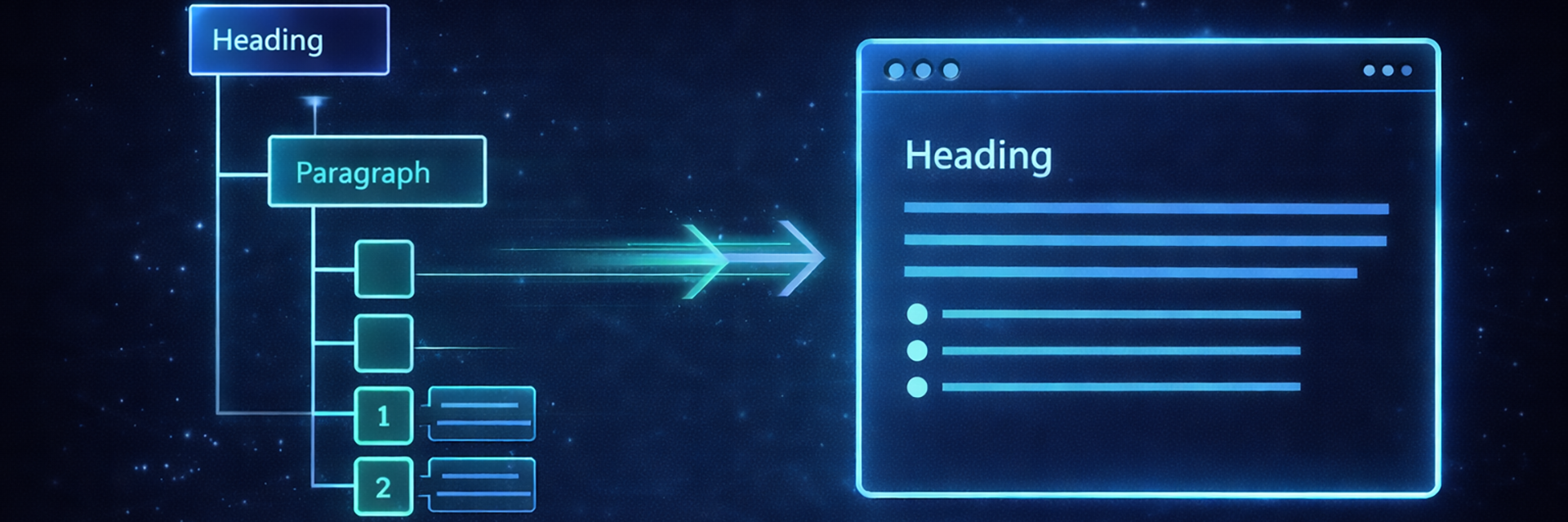
Lexical stores content as a JSON tree, not HTML. When you retrieve a richText field from the Payload REST API, you get a nested node structure. To render it on your Astro frontend, you need to walk that tree and convert each node to HTML. This part gives you the complete, production-ready implementation.
{
  "root": {
    "type": "root",
    "children": [
      {
        "type": "heading",
        "tag": "h2",
        "children": [
          { "type": "text", "text": "About Our Department", "format": 0 }
        ]
      },
      {
        "type": "paragraph",
        "children": [
          { "type": "text", "text": "The ", "format": 0 },
          { "type": "text", "text": "Sheriff's Office", "format": 1 },
          { "type": "text", "text": " serves all residents.", "format": 0 }
        ]
      }
    ]
  }
}Text nodes use a bitmask integer to encode formatting. format: 3 means bold (1) AND italic (2) — check each bit with format & mask.
| Bit | Value | Format |
|---|---|---|
| 0 | 1 | Bold |
| 1 | 2 | Italic |
| 2 | 4 | Strikethrough |
| 3 | 8 | Underline |
| 4 | 16 | Code |
| 5 | 32 | Subscript |
| 6 | 64 | Superscript |
Create src/lib/lexical.ts in your Astro project:
/**
* Lexical JSON to HTML renderer
* Compatible with @payloadcms/richtext-lexical 3.x
*/
export function lexicalToHtml(content: any): string {
if (!content?.root?.children) return ''
return renderNodes(content.root.children)
}
function renderNodes(nodes: any[]): string {
if (!Array.isArray(nodes)) return ''
return nodes.map(renderNode).join('')
}
function renderNode(node: any): string {
if (!node) return ''
if (node.type === 'text') {
let text = escapeHtml(node.text || '')
const fmt = node.format || 0
if (fmt & 1) text = `<strong>${text}</strong>`
if (fmt & 2) text = `<em>${text}</em>`
if (fmt & 4) text = `<s>${text}</s>`
if (fmt & 8) text = `<u>${text}</u>`
if (fmt & 16) text = `<code>${text}</code>`
if (fmt & 32) text = `<sub>${text}</sub>`
if (fmt & 64) text = `<sup>${text}</sup>`
return text
}
const children = node.children ? renderNodes(node.children) : ''
switch (node.type) {
case 'root': return children
case 'paragraph': return `<p>${children || ' '}</p>`
case 'heading':
const tag = node.tag || 'h2'
return `<${tag}>${children}</${tag}>`
case 'list':
const listTag = node.listType === 'bullet' ? 'ul' : 'ol'
return `<${listTag}>${children}</${listTag}>`
case 'listitem': return `<li>${children}</li>`
case 'link': {
const url = node.fields?.url || node.url || '#'
const newTab = node.fields?.newTab || node.newTab || false
const target = newTab ? ' target="_blank" rel="noopener noreferrer"' : ''
return `<a href="${escapeAttr(url)}"${target}>${children}</a>`
}
case 'quote': return `<blockquote>${children}</blockquote>`
case 'horizontalrule': return '<hr/>'
case 'linebreak': return '<br/>'
case 'upload': {
const value = node.value
if (!value) return ''
const mimeType = value.mimeType || ''
if (mimeType.startsWith('image/')) {
const src = escapeAttr(value.url || '')
const alt = escapeAttr(value.alt || value.filename || '')
const width = value.width ? ` width="${value.width}"` : ''
const height = value.height ? ` height="${value.height}"` : ''
return `<figure class="rich-image">
<img src="${src}" alt="${alt}"${width}${height} loading="lazy"/>
${value.caption ? `<figcaption>${escapeHtml(value.caption)}</figcaption>` : ''}
</figure>`
}
const filename = escapeHtml(value.filename || 'Download')
const url = escapeAttr(value.url || '#')
return `<a href="${url}" class="rich-download" download>${filename}</a>`
}
default: return children
}
}
function escapeHtml(str: string): string {
return String(str)
.replace(/&/g, '&')
.replace(/</g, '<')
.replace(/>/g, '>')
.replace(/"/g, '"')
.replace(/'/g, ''')
}
function escapeAttr(str: string): string {
return String(str).replace(/"/g, '"').replace(/'/g, ''')
}---
import { lexicalToHtml } from '../../lib/lexical';
const { id } = Astro.params;
let item: any = null;
try {
const PAYLOAD_URL = import.meta.env.PAYLOAD_INTERNAL_URL || 'http://localhost:3000';
const res = await fetch(`${PAYLOAD_URL}/api/your-collection/${id}?depth=1`);
if (res.ok) item = await res.json();
} catch(e) {}
if (!item) return Astro.redirect('/your-collection');
const bodyHtml = lexicalToHtml(item.body);
---
<div class="rich-content" set:html={bodyHtml} />This is the second most common silent failure in Payload REST API integrations. WHERE queries use bracket notation — not JSON encoding.
// Correct — bracket notation
`/api/pages?where[status][equals]=published`
`/api/pages?where[status][equals]=published&where[slug][equals]=about`
`/api/pages?where[status][equals]=published&sort=-createdAt&limit=10`

// Wrong — returns empty results silently
`/api/pages?where={"status":{"equals":"published"}}`
`/api/pages?where.status.equals=published`Create src/lib/payload.ts:
const PAYLOAD_URL = import.meta.env.PAYLOAD_INTERNAL_URL || 'http://localhost:3000'

export async function fetchCollection(
  collection: string,
  params: {
    where?: Record<string, any>
    sort?: string
    limit?: number
    depth?: number
    page?: number
  } = {}
) {
  const parts: string[] = []

  if (params.where) flattenWhere(params.where, 'where', parts)
  if (params.sort) parts.push(`sort=${encodeURIComponent(params.sort)}`)
  if (params.limit) parts.push(`limit=${params.limit}`)
  if (params.depth !== undefined) parts.push(`depth=${params.depth}`)
  if (params.page) parts.push(`page=${params.page}`)

  const qs = parts.join('&')
  const url = `${PAYLOAD_URL}/api/${collection}${qs ? '?' + qs : ''}`

  try {
    const res = await fetch(url)
    if (!res.ok) return null
    return res.json()
  } catch(e) {
    console.error(`[payload] fetch failed: ${url}`, e)
    return null
  }
}

function flattenWhere(obj: any, prefix: string, parts: string[]) {
  for (const [key, val] of Object.entries(obj)) {
    if (val !== null && typeof val === 'object' && !Array.isArray(val)) {
      flattenWhere(val, `${prefix}[${key}]`, parts)
    } else {
      parts.push(`${prefix}[${key}]=${encodeURIComponent(String(val))}`)
    }
  }
}

// Ready-to-use helpers
export const getPublishedPages = () =>
  fetchCollection('pages', {
    where: { status: { equals: 'published' } },
    sort: 'title',
    limit: 50,
  })

export const getPageBySlug = (slug: string) =>
  fetchCollection('pages', {
    where: { slug: { equals: slug }, status: { equals: 'published' } },
    limit: 1,
    depth: 1,
  })

export const getPublicNotices = (limit = 10) =>
  fetchCollection('public-notices', {
    where: { status: { equals: 'published' } },
    sort: '-noticeDate',
    limit,
  })

export const getDepartments = (limit = 50) =>
  fetchCollection('departments', {
    where: { status: { equals: 'published' } },
    sort: 'name',
    limit,
})Use depth=1 for most queries — it populates one level of relationships without ballooning response size. Use depth=2 only when you need data that is two relationships deep.
# Generate TypeScript types from your collections
cd payload
npm run generate:types
Copy payload-types.ts to your frontend for autocomplete and type safety:
import type { Page, Department, PublicNotice } from '../types/payload-types'

const page = data.docs[0] as Page
const content = page.content // TypeScript knows this is Lexical JSON| Part | What You Built |
|---|---|
| Part 1 | Architecture — ECS Fargate, ALB routing design, cost model |
| Part 2 | Data layer — Aurora PostgreSQL, dedicated DB user, Secrets Manager |
| Part 3 | Containers — Dockerfile, importMap fix, layout gotchas, ECR push |
| Part 4 | Routing — ALB rules, target groups, internal URL pattern |
| Part 5 | Frontend — Lexical renderer, WHERE query format, type safety |
When WAM DevTech built this stack in production, these were the gotchas that cost time. Some are missing from the docs entirely. Others are mentioned, but their failure modes are not. All of them cost time when you hit them cold:
RscEntryLexicalField requirement is not in the Payload docs<html><body> hydration error is mentioned nowhere/_next/* pattern requirement when running Payload behind ALB is not documented anywhere we could findqs-esm, but the silent empty-result mode when the format is wrong is not flaggedThe complete working implementation of this architecture — deployed for Chippewa County, Michigan's government website in 5 days from an RFP document alone — is documented in the case study below.


Payload CMS on AWS ECS Fargate — the full stack, deployed at fixed price. Fixed price confirmed within 48 hours.
Jae S. Jung has been building since 1997: infrastructure, SaaS platforms, legacy migrations, distributed teams across four continents. Not drawing diagrams and handing them off. Actually building. That's the philosophy behind WAM DevTech. AI doesn't replace nearly 30 years of that. It amplifies it.
